Smart cameras.
Brilliant technology.
Seamlessly connected.
Integrated cameras and technology solutions that help enhance safety, efficiency, and profitability, while directly linking you to your customers.
Fully-Integrated Cameras That Improve Safety, Productivity, And Bottom Lines.
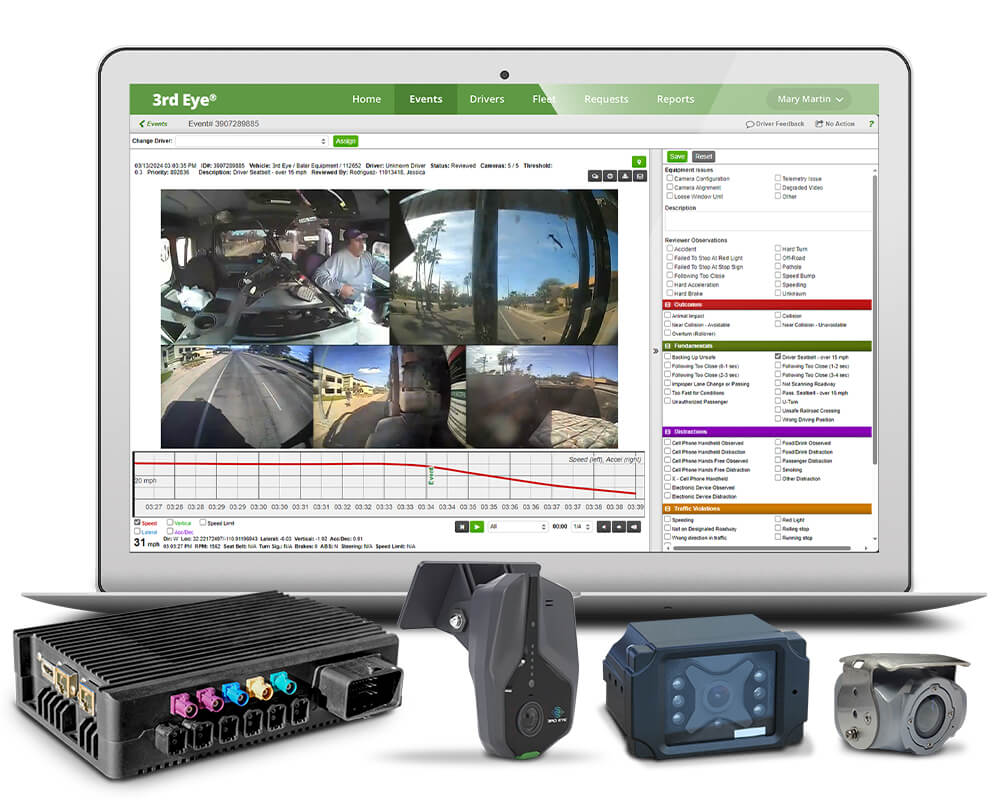
With up to eight truck cameras providing 360° of visibility, 3rd Eye seamlessly integrates industry-leading hardware, technology and live monitoring to provide powerful solutions that improve safety, productivity, and profitability, connecting fleets directly to their customers. This integration enables the addition of unlimited modular software solutions that collect and analyze volumes of data, all presented in an intuitive and user-friendly dashboard, providing the information you need to make better decisions, faster.
Let Your Drivers Drive.
We’ll Handle The Rest.
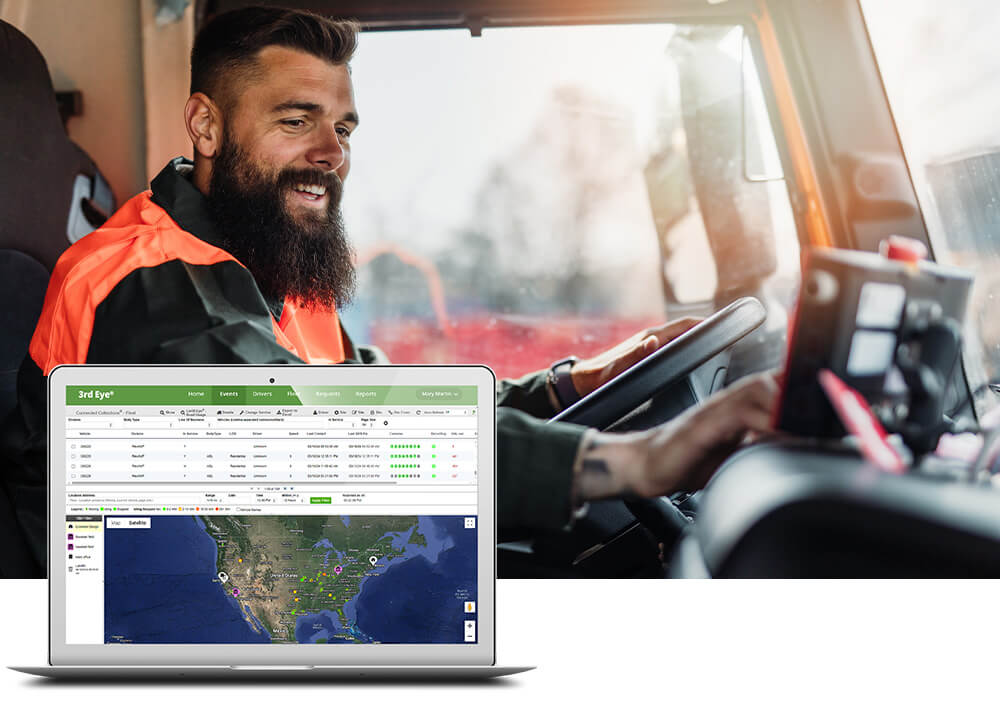
3rd Eye combines innovative heavy-duty truck camera systems with advanced smart and AI technology that automatically solve problems that historically have required manual driver actions. Our extensive range of subscription-based software solutions are highly customizable for any industry or application, enabling fleets to maximize safety, productivity, and profitability, empowering drivers to focus on safely operating their vehicle. With 3rd Eye, let your drivers drive, we’ll handle the rest.
Advanced Software Solutions, Seamlessly Integrated With Your 3rd Eye Camera System.

Safety & Driver Education/Development
3rd Eye Driver Education & Development utilizes industry-leading camera systems and specialized hardware, seamlessly integrated with smart technology, to monitor driver activity. This powerful solution identifies safety anomalies in driver behavior and captures HD video footage. The footage, along with telematic data, is uploaded to the cloud to create specialized safety events. These events are reviewed by a team of expert specialists who flag criteria for best practices, thereby creating reliable coaching materials.

Positive Service Verification
3rd Eye Positive Service Verification (PSV) SaaS subscription module simplifies a driver’s workload by passively collecting service events – allowing the driver to focus on operating the vehicle safely. Positive Service Verification associates service events and exceptions to the customer, and drivers no longer need to take photos of positive service, not-outs, or blocked containers.

Contamination Detection
3rd Eye contamination detection solutions utilize cameras mounted on garbage trucks, scale houses, and tipping floors to passively detect and associate contamination with the responsible party, all without manual inspection or action. From collection to final processing, 3rd Eye provides contamination detection solutions that improve safety, efficiency, and sustainability, while boosting your bottom line.

Connected Baler
3rd Eye Connected Baler—the ultimate integration solution that transforms your equipment data into actionable insights. Harness the power of precise bale weights matched with material types for complete end-to-end tracking. Stay informed with live updates, real-time condition monitoring, and instant notifications.

Connected Compactor
3rd Eye Connected Compactor transforms your compaction process by delivering comprehensive, real-time insights for proactive compactor management and optimization. With Connected Compactor, you gain real-time monitoring of waste or recycling levels, enabling a proactive approach to waste collection based on actual fullness.

Vehicle Health & Maintenance
3rd Eye uses advanced artificial intelligence to monitor your vehicles and equipment, alerting your team to potential issues BEFORE they arise. Take action prior to breakdowns and prevent small problems from becoming major ones.

Vehicle/Asset Tracking and Compliance
3rd Eye Commercial Fleet & Asset Tracking software provides a comprehensive suite of technology solutions that seamlessly connect you to your drivers and vehicle fleet. This integration provide unparalleled real-time insights that enables users to improve safety, reduce costs, enhance efficiency, and profitability, while directly linking fleets with their customers.
What Our Customers Have To Say.
You need to embrace new technology, you’ve got to think outside the box, and you’ve got to differentiate yourself from other people in the business. This is the tool that helps you operate safer, leaner, and improves the bottom line.
Louie Pellegrini
President, Mission Trail Waste System
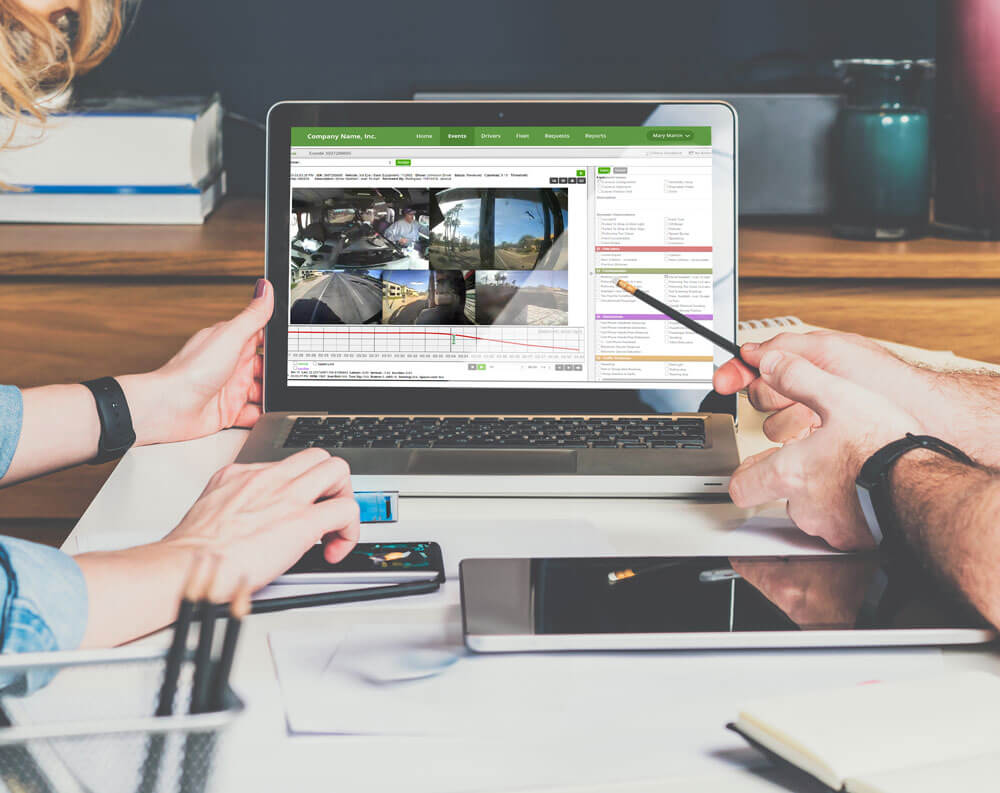
Modular Subscription-Based Technology Solutions For Your Specific Needs
3rd Eye specializes in providing modular software subscription solutions that integrate seamlessly with our advanced camera systems, significantly enhancing your fleet management capabilities. Our tailored approach is designed to target your specific needs, aiming to improve safety, efficiency, customer service, and profitability. 3rd Eye experts are industry veterans who act as trusted advisors, and can provide a customize plan to meet your unique requirements and elevate your fleet operations to new heights.
Request A Demo
Connected Collections
Generate revenue. Reduce cost. Automate processes. Connected Collections helps fleet owners better connect with their customers.